
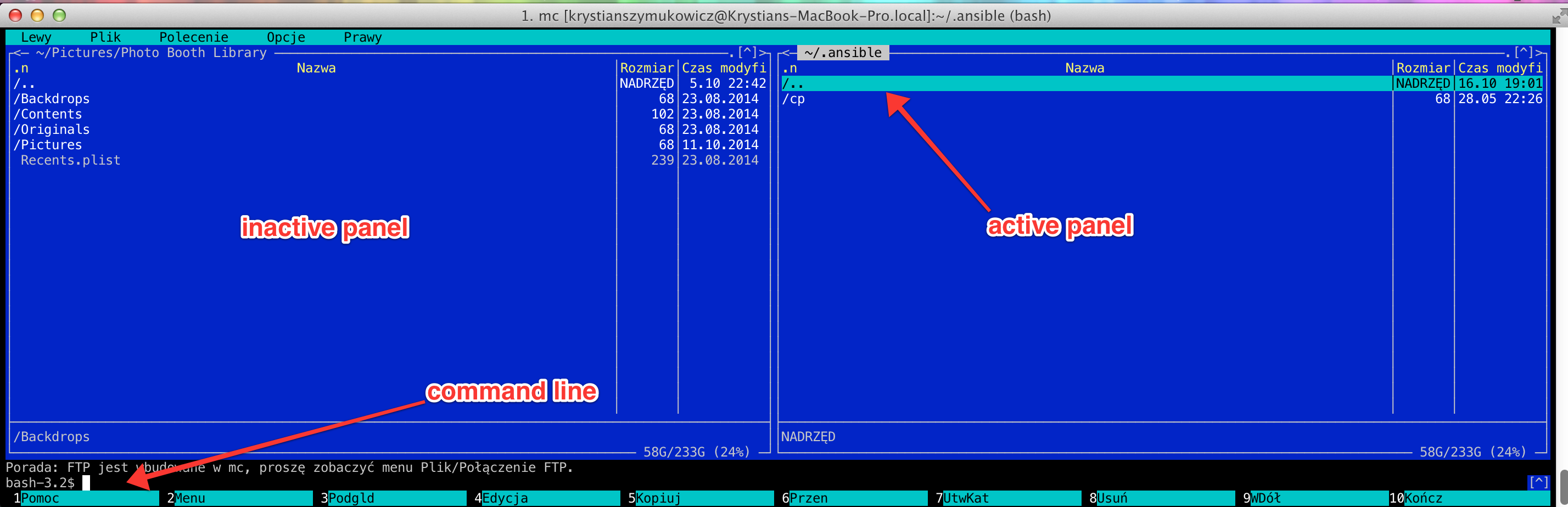
Midnight Commander is a great tool for day to day working with files in all linux based systems. To use all possibilities of MC fast without mouse or typing too much there is bunch of very good shortcuts. Try them out!
ESC
- Esc + a
Echo current directory in command line - Esc + enter
Echo current filename in command line - Esc + h
Command line history - Esc + i
Open same working directory in the inactive panel - Esc + j
Go to bottom of directory in active panel - Esc + p
Command line previous command - Esc + y
Go to previous directory
CRTL
- Ctrl + o
Switch between background command line and MC - Ctrl + r
Refresh active panel - Ctrl + t
Selecting files and directories